

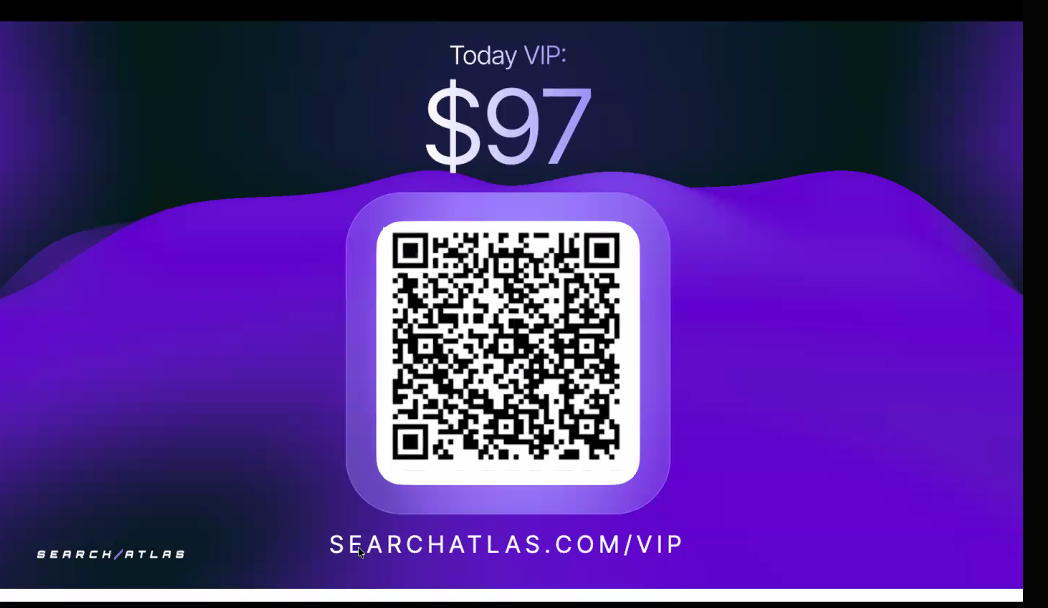
During the Agentic Agency Summit, the team shows a closing slide with the VIP price and a QR code. This article explains how to use it to upgrade.
🎟️ The VIP Offer
- Price shown during the summit: $97
- Link: https://searchatlas.com/vip
- QR code: Shown on the closing slide. Scanning it opens the same page.
For everything the upgrade includes, see What's Included in Summit VIP.
🛠️ How to Upgrade
- Open https://searchatlas.com/vip in your browser, or scan the QR code on the closing slide with your phone camera.
- Review the VIP offer on the page.
- Complete checkout using the same email address you use for Search Atlas. VIP benefits are tied to the email used at checkout.
- Look for your purchase confirmation email.
- Log in to your Search Atlas account with that same email to see your VIP benefits.
⏰ Timing
The VIP offer is presented as available until the team closes it out. If you plan to upgrade, do it while the offer is open. The page always shows the current price and availability.
🔍 If You Don't See Your VIP Benefits
- Make sure you are logged in with the email used at checkout.
- Check your purchase confirmation to confirm which email was used.
- Log out and back in, then refresh the page.
- If your benefits are on a different email than your Search Atlas login, see VIP Summit Access, Charges, and Refunds.
❓ Quick Answers
- Where do I buy VIP? https://searchatlas.com/vip
- Can I use my phone? Yes. Scan the QR code on the closing slide.
If you need further assistance, open the chat widget in the bottom-right corner of the platform and send your message. A member of our support team will reply in the chat.