

During the November Agentic Agency Summit, Search Atlas runs a dedicated summit leaderboard. Summit leaderboards are private, so you join with an invite code. This article shows you where to find the leaderboard and how to join it.
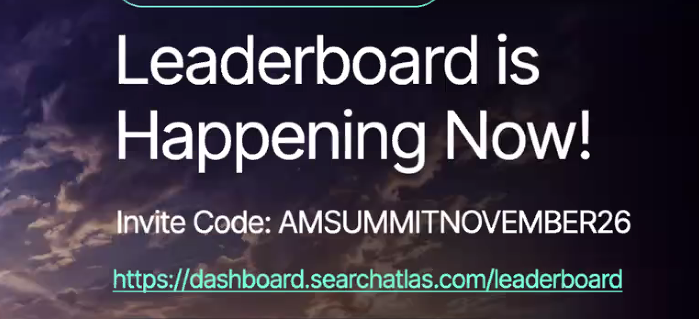
🔑 Summit Invite Code
- Invite code:
AMSUMMITNOVEMBER26 - Leaderboard page: https://dashboard.searchatlas.com/leaderboard
Enter the code exactly as shown above.
🛠️ How to Join the Summit Leaderboard
- Log in to your Search Atlas account.
- Open the leaderboard page at https://dashboard.searchatlas.com/leaderboard, or open the leaderboard module from your dashboard.
- Select the option to join with an invite code. It is available from the main leaderboard view and from the leaderboard browser.
- Enter the code
AMSUMMITNOVEMBER26. - Submit the code. Once it is accepted, the summit leaderboard appears in your leaderboard list.
📊 After You Join
- Your ranking is shown relative to the leaderboard you currently have selected.
- If you have joined more than one leaderboard, use the dropdown selector to switch between them.
- The platform remembers the last leaderboard you viewed and restores it when you return.
- Your earned badges and current ranking are visible inside each leaderboard.
To learn how XP, categories and badges work, see How the Search Atlas Challenge Leaderboard Works.
❓ Quick Answers
- Do I need an invite code? Yes. Private and summit leaderboards require a valid invite code to join.
- Where do I enter the code? Use the join with invite code option on the main leaderboard view or in the leaderboard browser.
- I'm already on the Global Leaderboard. Do I need to leave it? No. You can join additional leaderboards and switch between them with the dropdown selector.
If you need further assistance, open the chat widget in the bottom-right corner of the platform and send your message. A member of our support team will reply in the chat.